Reviews... MAGIX PHOTOSTORY DELUXE
£29.99 SUMMER SALE
£248.98 REGULAR PRICE
#MAGIX #Photostory #PhotoEditing #VideoEditing #Presentation #Soundtrack #Video #DVD #BluRayMAGIX is going all out to dominate multimedia; Adobe is trailing behind. As you may or may not know, Sony has pulled out of the creative multimedia software race by selling off its Creative Software range of applications that includes Vegas (video editor), Sound Forge (audio editor) and Acid (DAW).
MAGIX has a superlative attribute is that it has applications for just about everybody! The range of applications can be likened to an infinite layer of multimedia tangents cut from key audio/visual applications. This has the advantage of a pronounced seamlessness interface throughout.
Photostory Deluxe 2017 shares its DNA with Movie Edit Pro, which was cut from the Music Maker DAW application many moons ago. As you might know, both Music Maker and the range of MAGIX video editing software applications had blossomed wonderfully!
SPLICE


Above: Animation effects of still images within Photostory Deluxe.
Photostory Deluxe can be seen as a marriage between a video editor, photo editor, and slideshow application such as PowerPoint. The result is very compelling… What's more is that Photostory lends itself to just about anyone! Create a digital photo/video book of your precious family moments; how about stunning intros and outros for your YouTube videos; how about a digital portfolio/showcase reel? The possibilities are there!

Above: Photo editing in Photostory Deluxe. As expected, you can output your creations to most video formats and create a DVD/BluRay disc.

Above: Photo editing in Photostory Deluxe. As expected, you can output your creations to most video formats and create a DVD/BluRay disc.
IN USE


Above: The Photostory Deluxe interface in more depth.
For the most part the user interface is straightforward; Photostory makes for a simple fuss free video editor. However, the interface can get a little confusing when incorporating animation and transition effects. It can take a while to commit the menus to memory. With a bit of effort, you could create intros and outros that resemble Adobe After Effects! Photostory can be a great tool for YouTube content creators who are starting out, on a budget, and/or don't require the kind of functionality and power of a full blown video editor such as Video Pro X (review coming soon).


Above: What you are seeing is the automatic creation of a slideshow via a selection of pictures and music soundtracks. Below: The titling aspect of Photostory Deluxe; it works just like a video editing application.

For the most part the user interface is straightforward; Photostory makes for a simple fuss free video editor. However, the interface can get a little confusing when incorporating animation and transition effects. It can take a while to commit the menus to memory. With a bit of effort, you could create intros and outros that resemble Adobe After Effects! Photostory can be a great tool for YouTube content creators who are starting out, on a budget, and/or don't require the kind of functionality and power of a full blown video editor such as Video Pro X (review coming soon).


Above: What you are seeing is the automatic creation of a slideshow via a selection of pictures and music soundtracks. Below: The titling aspect of Photostory Deluxe; it works just like a video editing application.

PHOTO/VIDEO COLOUR MATCHING


One of the many great aspects of Photostory Deluxe is that you can take the colour attributes of a photo or video and add it to different photos and videos - even if the photos/videos were taken with a different camera/camcorder to create a uniformed look. Below: Transition and fades.


CONCLUSIONIn the world of smartphone photography and videography, Photostory Deluxe is a must have! I'm sure you've got great material on your phone and/or in the cloud doing absolutely nothing. Photostory Deluxe will transform your videos and photos into works of art. Make a simple slideshow out of your photos and add some background music! Hey, you make your own royalty free music using the free version of Music Maker or any of the commercial versions.


Above: Export options... From video file to DVD and BluRay.
MAKING A WISH
MAKING A WISH
The Multimedia Designer in me would want to see a means for creating interactive presentations in a similar vein to PowerPoint. DVD/BluRay have limited interactions but an executable CD ROM/DVD/BluRay would be ideal for interactive displays and kiosks. It'll make for a means of creating interactive promotional materials for creatives such as bands,filmmakers, photographers, and so on. Or output to HTML5 for online learning. I can see it now… MAGIX Multimedia Designer…
SCORE
Photostory Deluxe is a great presentation creator...
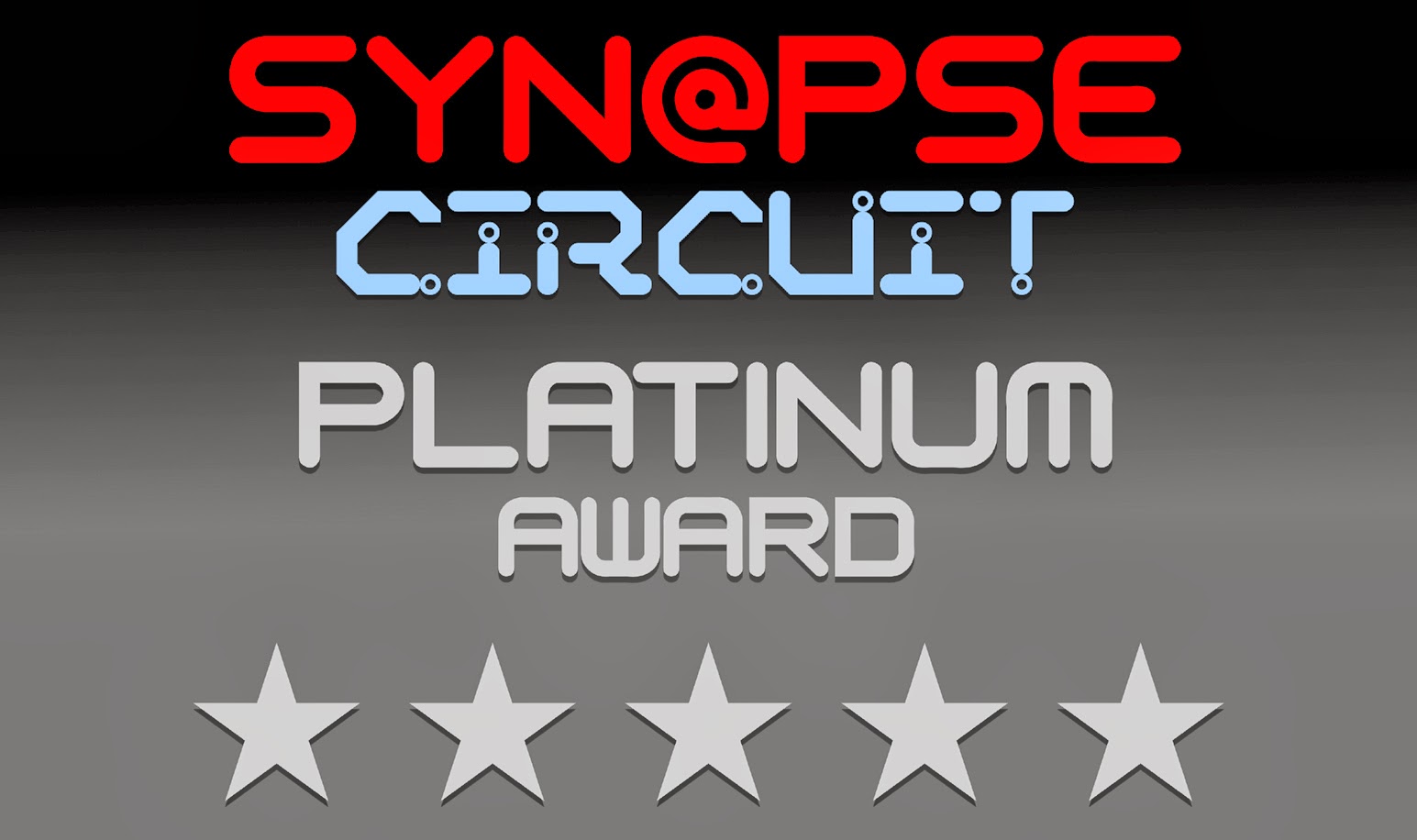
Photostory Deluxe scores a spectacular... Synapse Circuit Platinum!

Thank you for reading! Synapse Circuit / Blue Gene