SYNAPSE CIRCUIT

NEW Reallusion iClone 7
Virtual Production with Cinematic Visuals & Expert Animation
NEWS!
#Reallusion #iClone7 #iClone #7 #2 #3DAnimation #3D #Animation #3DGraphics

Jeff Jasper - Oscar-winning team member/FX Supervisor ‘Interstellar’
San Jose, CA 21st July 2017 - Reallusion launches iClone 7, the biggest update ever in the iClone real-time 3D evolution. This giant leap empowers iClone users with the latest PBR/GI visuals, unlimited creation for 3D characters, professional animation for morph and curve editing, real camera system, as well as several significant technology integrations with industry leaders.
iClone 7 is now a virtual production platform with community inclusive tools and massive aggregation of real-time content, empowering indie filmmakers, pro studio crews, previs / VFX teams, writers, directors, animators, advertisers and anyone that wishes to quickly turn their vision into a reality.
Compared to game engines enhanced with cinematic timelines, iClone 7 is much easier to start or include into an existing production pipeline as there is no need to have specific game development knowledge or coding capabilities.
VIDEO
Watch the iClone 7 New Features Video...
What’s New in iClone 7?
● PBR Physically-Based Rendering
● NVIDIA Global Illumination (VXGI)
● 60-morph facial animation rig
● Character pipeline for Unity and Unreal
● Live Mocap - Total Body Motion Capture solution
● Techviz & Previz with Real Camera System & Camera Switch (RED, Alexa, Canon)
● Morph Creator & Morph Animation
● LUT library with Film Looks
● Lighting & Shadow Pass, Shadow Casting, Matte Shadow & Invisible Mesh Plane
● Temporal Anti-Aliasing (TAA)
● IBL Bake 360° Capture
● HBAO+ (Enhanced Horizon Based Ambient Occlusion)
● Motion Curves with Graph Editor (7.1)
● Visual Learning Library with hundreds of quick-reference feature videos
Intuitive Character Creation
Elaborate character design tools with a workflow that capitalizes on speed and quality, combined with animation-ready rigging to immediately enliven character creations with motions, facial animation, and lip-sync. Generate unlimited character styles with high-detail visual quality via face and body morphs, PBR dynamic materials, and layers of fashion. Facial Animation Rig

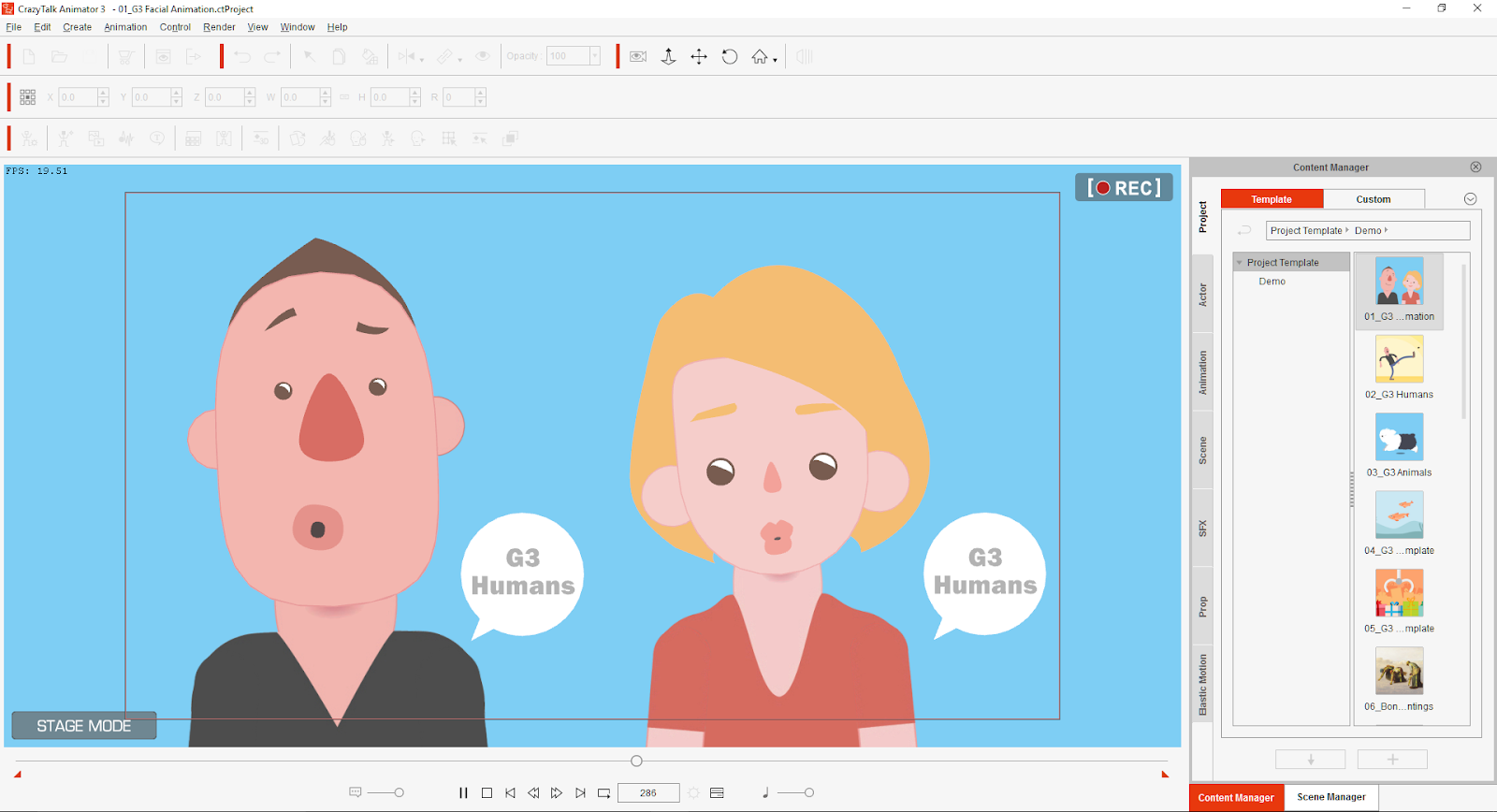
Create vivid facial animations with audio lip-sync and puppet emotive expressions with motion key editing. The amount of facial morphs has now doubled from 30 to 60, giving you unmatched facial precision for mouth, cheek, eye, and other facial feature animation. iClone 7’s facial architecture also meets professional face tracking specifications, opening a new door for real-time facial mocap!
Motion Layer Editing
Instantly animate any character with intuitive animation tools that record face and body animation with a unique puppeteering engine. Freely control body parts with HumanIK, and use motion layer editing to quickly fine-tune characteristics of your animation.

Dynamic prop animations utilize industry-leading NVIDIA PhysX for natural rigid body dynamics and soft cloth simulations. Morphs and blend shapes expand your options for animating both characters and props, while a new and long-awaited Curve Editor now allows you to fine-tune motions for dynamic and exaggerated motions.
Morph Animation Achieve dynamic and organic animation performance with a series of morphs added to props or skin-bone characters. This is a simple technique that adds incredible performance enhancing animation options that can be keyed and controlled inside iClone 7. The Morph Manager edits morph groups from a hierarchical model, and you can import OBJ morphs from 3D modeling or sculpting tools. Link selected morphs to adjust them individually using the iClone 7 Morph Manage interface. All imported blend shapes are available in the timeline with individual morph tracks. You can set keys and tweak values for each morph track in order to achieve organic movements between morphs.
● Character Morph Animation: Body morphs can be applied to exaggerate a character’s secondary actions.
● Prop Morph Animation: Props with several morph alternatives can turn a simple shape into a lively actor.
Global Illumination, NVIDIA VXGI
Utilizing NVIDIA’s leading real-time VXGI (Voxel Cone Tracing technology), iClone 7 greatly enhances visual realism by integrating secondary light reflections over diffuse and specular surfaces. Users can quickly and easily level-up their existing projects to achieve superbly-fine video renders in a fraction of the time, even when using slower GPU systems.

GI for Realistic Interiors and Architectural Visualization
Physically-based Rendering (PBR)
iClone 7 introduces PBR as the new real-time renderer for iClone users. Not only does it deliver amazingly realistic visuals, but it also serves as the new material content standard that helps maintain a consistent look between iClone 7, 3D game engines, and popular PBR design applications like Substance Painter.
Custom Shaders: LUT, +HBAO, Shadow Map
In order to harness the ever-increasing visual potential of rapidly growing real-time GPU technologies, the iClone team has re-engineered iClone 7’s render core, aiming to make it compatible with industry standard shader languages. By utilizing this new Custom Shader architecture, iClone 7 has enriched its rendering capabilities with LUT color grading, shadow matte to turn any mesh into a shadow capture for professional compositing, and HBAO+ for increased sharpness and more precise AO range control.
Virtual Production & Direction
Produce professional shots in real-time, using industry-standard iClone cameras like Alexa, Red, Canon, and more! Use iClone 7 for all your virtual production requirements including previz, and techviz; and take advantage of the new 1:1 seamless camera pipeline compatibility with the ability to import or export cameras via FBX.
Oscar & BAFTA winning FX Supervisor on iClone 7
“iClone 7 represents a huge leap in features that take iClone to a whole new level for professional production workflows. Studios have long dreamed of an animation platform with integrated performance capture, procedural animation and pipeline scripting in a package that also delivers stunning visual quality in real-time. Add in flexible integration with 3rd party software and game engines and you have a tour de force that is unmatched in the industry. Delivering on features like realtime GI with reflections, full PBR workflow and viewport rendering, HBAO+ and Shadow Mattes all bring the level of realism to the render to unprecedented levels.”
- Jeff Jasper, Oscar winning team for Interstellar as a digital FX supervisor for New Deal Studios
NASA SEALS Virtual Production Case Study
iClone 7 enables Monkey Chow animation studio with new mocap & previz pipeline...
“Not that long ago the only filmmaker who got to do this was James Cameron when he made Avatar!” - Jeff Scheetz, NASA SEALS
Watch the Nasa Seals iClone Previz Video https://youtu.be/aqtroJA2NCg
Florida animation studio takes feature-length screenplay ‘NASA SEALS’ into virtual production with Reallusion iClone and Noitom Perception Neuron. The new era of community inclusive tools available to studios and indies today allow for directors, producers, writers, and animators to collaborate in real-time visualization, bringing scripts to life with 3D animation.
iClone Opens: Developers and Partners
iClone 7 is now plugin-ready for developers and technology companies to connect hardware and software with iClone. It is already integrating with the latest technologies including the latest NVIDIA real-time visuals. iClone 7 features technology partnerships with Allegorithmic Substance & Painter, NVIDIA Gameworks, Faceware, Xsens, Noitom, PopcornFX, and others.
iClone 7 Visual Essentials Pack featuring Reallusion partners Allegorithmic, Panocapture, Amplify
https://www.reallusion.com/ContentStore/iClone/pack/iClone7-Visual-Essentials/default.html
iClone 7 More Info: http://www.reallusion.com/iclone
iClone 7 Demo Video: http://y2u.be/Fo-UXkKvyio
iClone 7 is available for Windows from Reallusion - from $199.00
Elaborate character design tools with a workflow that capitalizes on speed and quality, combined with animation-ready rigging to immediately enliven character creations with motions, facial animation, and lip-sync. Generate unlimited character styles with high-detail visual quality via face and body morphs, PBR dynamic materials, and layers of fashion. Facial Animation Rig

Create vivid facial animations with audio lip-sync and puppet emotive expressions with motion key editing. The amount of facial morphs has now doubled from 30 to 60, giving you unmatched facial precision for mouth, cheek, eye, and other facial feature animation. iClone 7’s facial architecture also meets professional face tracking specifications, opening a new door for real-time facial mocap!
Motion Layer Editing
Instantly animate any character with intuitive animation tools that record face and body animation with a unique puppeteering engine. Freely control body parts with HumanIK, and use motion layer editing to quickly fine-tune characteristics of your animation.

Dynamic prop animations utilize industry-leading NVIDIA PhysX for natural rigid body dynamics and soft cloth simulations. Morphs and blend shapes expand your options for animating both characters and props, while a new and long-awaited Curve Editor now allows you to fine-tune motions for dynamic and exaggerated motions.
Morph Animation Achieve dynamic and organic animation performance with a series of morphs added to props or skin-bone characters. This is a simple technique that adds incredible performance enhancing animation options that can be keyed and controlled inside iClone 7. The Morph Manager edits morph groups from a hierarchical model, and you can import OBJ morphs from 3D modeling or sculpting tools. Link selected morphs to adjust them individually using the iClone 7 Morph Manage interface. All imported blend shapes are available in the timeline with individual morph tracks. You can set keys and tweak values for each morph track in order to achieve organic movements between morphs.
● Character Morph Animation: Body morphs can be applied to exaggerate a character’s secondary actions.
● Prop Morph Animation: Props with several morph alternatives can turn a simple shape into a lively actor.
Global Illumination, NVIDIA VXGI
Utilizing NVIDIA’s leading real-time VXGI (Voxel Cone Tracing technology), iClone 7 greatly enhances visual realism by integrating secondary light reflections over diffuse and specular surfaces. Users can quickly and easily level-up their existing projects to achieve superbly-fine video renders in a fraction of the time, even when using slower GPU systems.

GI for Realistic Interiors and Architectural Visualization
Physically-based Rendering (PBR)
iClone 7 introduces PBR as the new real-time renderer for iClone users. Not only does it deliver amazingly realistic visuals, but it also serves as the new material content standard that helps maintain a consistent look between iClone 7, 3D game engines, and popular PBR design applications like Substance Painter.
Custom Shaders: LUT, +HBAO, Shadow Map
In order to harness the ever-increasing visual potential of rapidly growing real-time GPU technologies, the iClone team has re-engineered iClone 7’s render core, aiming to make it compatible with industry standard shader languages. By utilizing this new Custom Shader architecture, iClone 7 has enriched its rendering capabilities with LUT color grading, shadow matte to turn any mesh into a shadow capture for professional compositing, and HBAO+ for increased sharpness and more precise AO range control.
Virtual Production & Direction
Produce professional shots in real-time, using industry-standard iClone cameras like Alexa, Red, Canon, and more! Use iClone 7 for all your virtual production requirements including previz, and techviz; and take advantage of the new 1:1 seamless camera pipeline compatibility with the ability to import or export cameras via FBX.
Oscar & BAFTA winning FX Supervisor on iClone 7
“iClone 7 represents a huge leap in features that take iClone to a whole new level for professional production workflows. Studios have long dreamed of an animation platform with integrated performance capture, procedural animation and pipeline scripting in a package that also delivers stunning visual quality in real-time. Add in flexible integration with 3rd party software and game engines and you have a tour de force that is unmatched in the industry. Delivering on features like realtime GI with reflections, full PBR workflow and viewport rendering, HBAO+ and Shadow Mattes all bring the level of realism to the render to unprecedented levels.”
- Jeff Jasper, Oscar winning team for Interstellar as a digital FX supervisor for New Deal Studios
NASA SEALS Virtual Production Case Study
iClone 7 enables Monkey Chow animation studio with new mocap & previz pipeline...

“Not that long ago the only filmmaker who got to do this was James Cameron when he made Avatar!” - Jeff Scheetz, NASA SEALS
Watch the Nasa Seals iClone Previz Video https://youtu.be/aqtroJA2NCg
Florida animation studio takes feature-length screenplay ‘NASA SEALS’ into virtual production with Reallusion iClone and Noitom Perception Neuron. The new era of community inclusive tools available to studios and indies today allow for directors, producers, writers, and animators to collaborate in real-time visualization, bringing scripts to life with 3D animation.
iClone Opens: Developers and Partners
iClone 7 is now plugin-ready for developers and technology companies to connect hardware and software with iClone. It is already integrating with the latest technologies including the latest NVIDIA real-time visuals. iClone 7 features technology partnerships with Allegorithmic Substance & Painter, NVIDIA Gameworks, Faceware, Xsens, Noitom, PopcornFX, and others.
iClone 7 Visual Essentials Pack featuring Reallusion partners Allegorithmic, Panocapture, Amplify
https://www.reallusion.com/ContentStore/iClone/pack/iClone7-Visual-Essentials/default.html
iClone 7 More Info: http://www.reallusion.com/iclone
iClone 7 Demo Video: http://y2u.be/Fo-UXkKvyio
iClone 7 is available for Windows from Reallusion - from $199.00
About Reallusion: Reallusion Inc. is a 2D and 3D animation software and content developer. Headquartered in Silicon Valley, with R&D centers in Taiwan, and offices and training centers in Germany and Japan. Reallusion specializes in the development of realtime 2D and 3D cinematic animation tools for consumers, students and professionals. The company provides users with easy to use avatar animation, facial morphing and voice lipsync solutions for real-time 3D filmmaking, and previsualization for professional post production. Reallusion's core technologies are widely used by trainers, educators, gamers and filmmakers providing them with standalone movie studio packages. http://www.reallusion.com
Thank you for reading! Review coming soon...
Synapse Circuit / Blue Gene